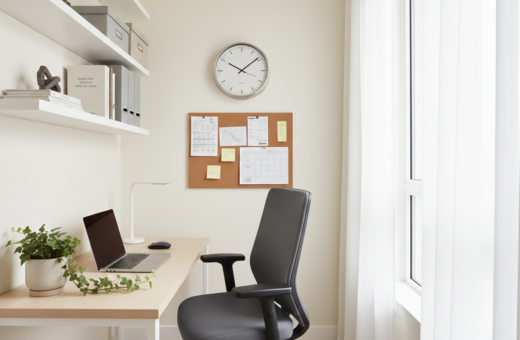
In the summer of 2019, the author moved to Madison, Wisconsin, and shifted a long-term basement setup into a windowed home office. After three years as a cave dweller, they prioritized health and daily rhythm over convenience. This change shaped how they thought about light and movement.
They used a sit/stand desk to split the work day between typing on a computer and taking notes. Evaluating the window and how sun enters the room was the first step in the shift.
The transition proved that purposeful design and simple choices can make a home space feel like a proper office. Their company had already moved toward remote work before the pandemic, so this change became a lasting investment in comfort and focus.
The Impact of Natural Light on Workspace Productivity
Access to daylight ranks high among employee benefits and drives tangible results. Good exposure to light in a work area reduces fatigue and supports better sleep, which improves focus during the day.
The Science of Daylight and Focus
Research shows staff in sunlit environments report a 51% drop in eyestrain, a 63% drop in headaches, and a 56% drop in drowsiness. These changes add up: happier workers are about 16% more productive and 18% more likely to stay at their jobs.
Design experts stress that maximizing access to daylight is essential for a high‑performing office. The absence of outdoor views or sufficient light can lower satisfaction and hurt output.
- Better sleep from daytime exposure leads to sharper focus.
- Fewer physical complaints mean less lost time and fewer breaks.
- Well‑lit spaces support long‑term employee retention and morale.
Studies on daylight and workplace health underline these links between exposure, wellbeing, and performance.
Mastering Natural Lighting Desk Placement Small Room
A thoughtful approach to window use can reduce glare and improve video calls in even the tightest work areas. This section outlines easy ways to orient a workstation so the user gains steady light without screen washout.
Avoiding Glare and Backlighting
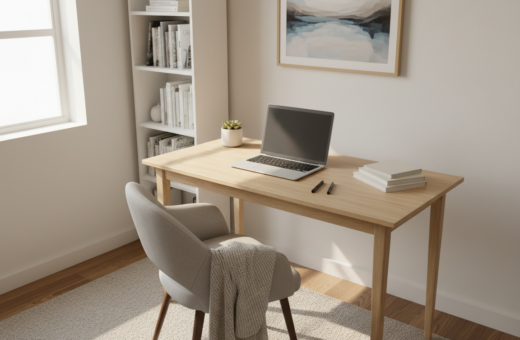
Position a desk perpendicular to the window to cut direct glare while benefiting from ambient light. OFDC Commercial Interiors recommends this angle to keep screens readable and eyes comfortable.
Avoid facing a blank wall with a window behind you; that layout creates strong backlighting and hurts video quality. A corner setup often puts the window in front or slightly to the side so light bounces softly off the wall.
Maximizing Window Access
Use modular furniture that can be reconfigured with the seasons. Moving furniture a few feet in winter or summer takes advantage of shifting sun angles in the home office.
- Choose lighter finishes or glass-top surfaces to reflect light across the space.
- Set collaborative areas with round or oval tables to free up circulation and help light flow.
- Consider monitor hoods or matte screens to tame hotspots without blocking natural light.
These simple design moves improve comfort and camera performance while keeping the workspace bright and usable year-round.
Strategic Lighting Solutions for Desk Work
Smart task lighting changes how a person experiences evening work. A balanced mix reduces shadows and cuts fatigue.
A pair of table lamps on both sides of the desk softens contrast and fills in shadowed areas. This twin approach works better than one-sided light and improves camera performance for calls.
Adjustable recessed units set just behind the head and over each shoulder cancel shadows without adding glare to the central view. Avoid downlights directly above the head; they create a harsh experience that strains eyes.
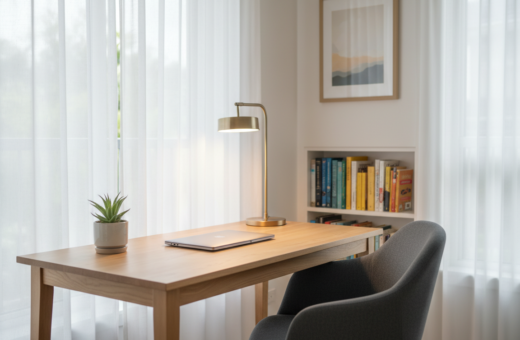
Many hotels use a sleek modern version of a desk lamp to focus light on tasks. Note that lamps aimed straight down can cast strong shadows on papers unless angled or paired with side sources.
For late work and night safety, add low-level lights near circulation paths. These low lights improve comfort and make moving around the home office easier at any time.
- Two side lamps: even fill and softer shadows.
- Rear shoulder lights: shadow cancellation without glare.
- Low-level lights: safe, comfortable night movement.
Enhancing Video Conferencing with Proper Illumination
A few simple lighting swaps can transform how someone appears on a long Zoom day. Treating the setup like a tiny studio helps reduce fatigue and keeps meetings professional when they run for hours.
Softening Facial Shadows
Soft side lights are the easiest way to remove harsh shadows. Pair two table lamps on either side of the camera to give even fill and reduce contrast.
Avoid using a single desk lamp aimed at the work surface. That light bounces up and can create an odd, unflattering look on the face.
Utilizing Backlighting Techniques
The Hollywood trick is simple: aim a small light at the back of the neck to rim the shoulders and separate the subject from the background. Adjustable recessed lights behind the head work well for this.
Do not combine strong overheads with desk lights; that mix highlights texture and casts deep shadows. Where possible, use glass partitions or a nearby window to let softer natural light reach interior areas and improve overall workspace balance.
- Pro tip: Two side lamps plus a rear adjustable light create the best on-camera result.
- For long calls: soft, even light reduces strain over time.
- Avoid: direct desk lighting that bounces up toward the face.
Selecting Modern Lamps for Ambient and Task Lighting
Modern lamps do more than brighten a table; they shape focus and mood. Choosing a few well‑matched pieces makes a big difference for evening work and video calls. Below are practical options that blend function and style.
Modern Desk Lamp Designs
The Auge Light is a minimalist wire lamp that gives a soft glow and uses a magnetic snap for easy adjustment. The Ikea Fado offers a warm, soothing glow that won’t be harsh during long shifts.
Other useful picks include the Halo Mushroom, the Edishine LED lamp, and the Onewish bulb lamp. Each one adds a gentle fill that helps reduce eye strain near the computer.
Monitor Light Bars
The BenQ Halo sets the standard for monitor light bars. It provides targeted light that eases eyestrain in dark hours and keeps the screen contrast steady.
LED strips or Philips Hue bars behind a monitor create a soft halo on the wall. That glow reduces perceived contrast between screen and background and makes long sessions feel easier on the eyes.
Wall and Mood Lighting
Accent lights and mounted bars change the overall look of the space. A low, warm wall light or a strip tucked behind glass shelves gives depth and reduces harsh shadows.
“A gentle rim or back glow can separate the subject from the background and improve on‑camera presence.”
For flexible task light, the author found three clip‑on book lamps extremely practical. They clip where needed and move light to the exact spot during short bursts of focused work.
- Tip: mix a task lamp with a soft ambient source for best results.
- Benefit: proper lights cut fatigue and make video calls look more professional.
- Quick fix: add a monitor bar or strip to ease night work fast.
Conclusion: Creating a Balanced Home Office Environment
A balanced home office blends thoughtful design, measured light, and the right lamps to support long work days. Simple, layered lighting reduces glare and eases eyestrain while preserving a calm experience.
Experts such as OFDC Commercial Interiors recommend prioritizing window access and flexible furniture so the workspace adapts across the day. Modern lamps and subtle backlights improve on‑camera presence and reduce contrast during night hours.
For a quick checklist and practical steps, consult the home office lighting checklist. Small investments in lights and layout yield lasting benefits for comfort, focus, and professional presence.